Tool calling
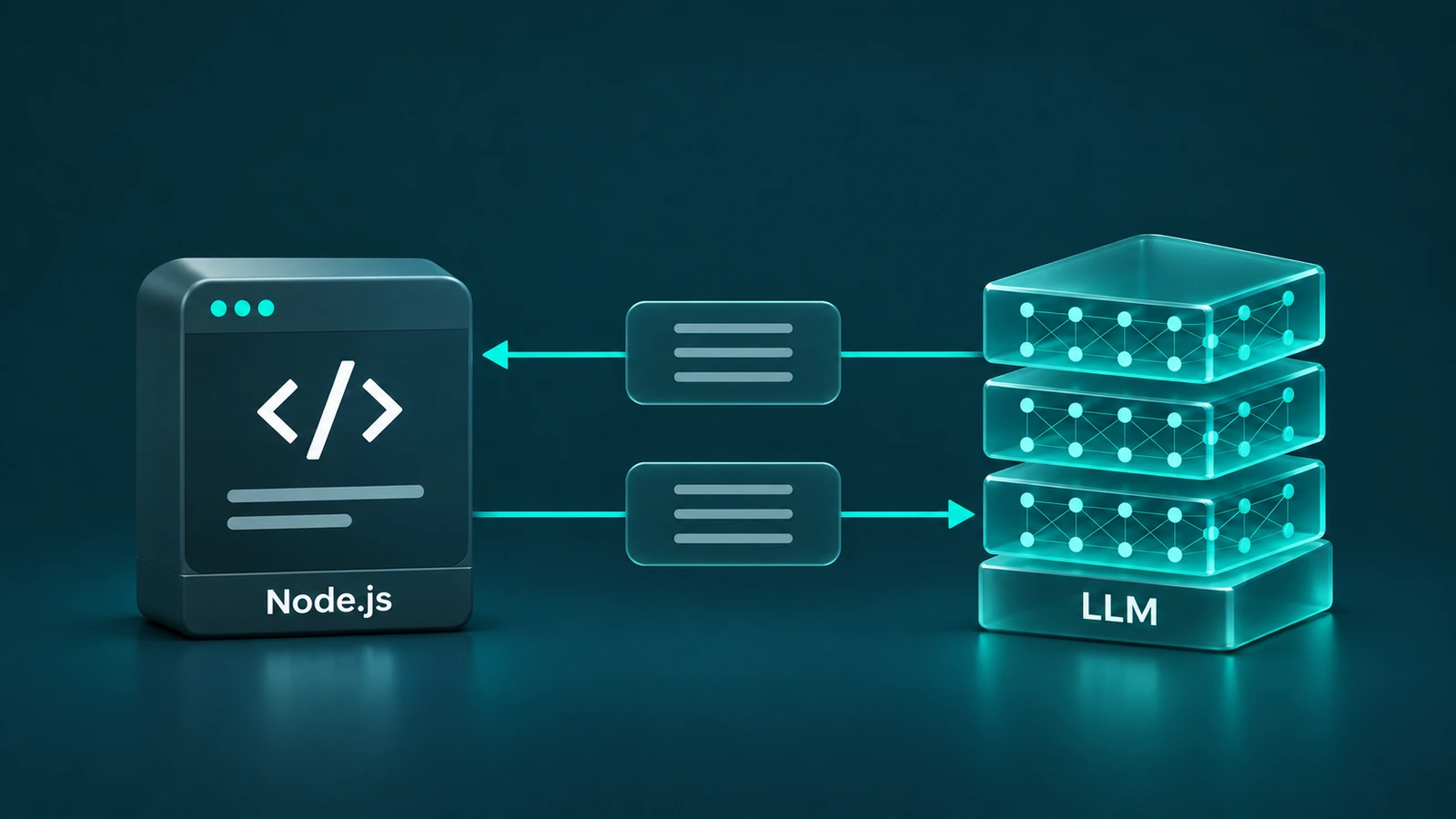
The model requests a function call. The application validates the arguments, runs the function, and returns the result.
The task
I upload a three-minute MP4 recording of gameplay to AI Playable Production. I want a game design document that describes what the player does, which rules are visible in the recording, how the interface changes, and when the game moves from one state to another.
How it works
- The application prepares the frames. Node.js runs FFmpeg and takes one frame per second. A three-minute video yields 180 images with timestamps. A brief action between two sampled frames can be missed. FFmpeg — fps filter
- The model requests frames in batches. Node.js sends the task and the definition of
get_video_framesthrough the OpenAI Responses API. The model requests frames 0 through 11, and the application sends back the images and their timestamps. The next batch starts at frame 12. - The model writes the document. Node.js starts a separate conversation for each minute of footage and collects observations about that segment. The final request passes the written observations from the whole recording to the model, which turns them into one game design document.
function_call Node.js extracts one frame per second from the MP4. Three minutes yields 180 frames.
Node.js sends the task and the definition of get_video_frames to the model.
The model requests the first 12 frames. The API returns the function name, arguments, and call_id.
Node.js reads frames 0–11 and returns the images with their timestamps and the same call_id.
The model analyzes the frames and requests the next batch, 12–23. This repeats until the end of the segment.
The model turns the observations from the entire recording into one game design document.
This is tool calling. The model asks to run get_video_frames, and Node.js runs it and sends the result back to the model. OpenAI — the tool calling flow
The first request to the model
input contains the task, instructions specifies the frame range and batch size, and tools describes the function. The model variable holds the model ID. The getVideoFrames definition follows below.
import OpenAI from 'openai';

const client = new OpenAI();
const response = await client.responses.create({
	model,
	input: 'Analyze the gameplay recording and write a game design document.',
	instructions: '180 frames are available. Analyze frames 0–59 in batches of 12.',
	tools: [getVideoFrames],
});
Function arguments
The OpenAI Responses API defines the shape of a tool definition. The object in the tools array contains type, name, description, strict, and parameters. We use JSON Schema inside parameters to define our function’s arguments, fromFrame and count. OpenAI — defining functions
const getVideoFrames = {
	type: 'function',
	name: 'get_video_frames',
	description: 'Read consecutive frames from a 1 FPS sample of the uploaded video. Returns JPEG images and timestamps.',
	strict: true,
	parameters: {
		type: 'object',
		properties: {
			fromFrame: { type: 'integer', minimum: 0 },
			count: { type: 'integer', minimum: 1, maximum: 12 },
		},
		required: ['fromFrame', 'count'],
		additionalProperties: false,
	},
} satisfies OpenAI.Responses.FunctionTool;
fromFrame is the zero-based index of the first frame in the sample, and count is the number of consecutive frames to read. For example, { fromFrame: 12, count: 12 } requests frames from 00:12 through 00:23. The application processes one video at a time, so the function can work with just these two arguments.
strict: true requires the arguments to match the schema. Before reading any frames, Node.js also checks that the requested index falls within the current segment.
Matching a call to its result
In the first API response, the model can return an item like this in response.output. The IDs here are illustrative.
{
  "type": "function_call",
  "name": "get_video_frames",
  "call_id": "call_first",
  "arguments": "{\"fromFrame\":0,\"count\":12}"
}
arguments is a JSON string. The execute function parses it, validates the arguments, and reads the JPEG files. On success, it returns each timestamp (input_text) followed by its corresponding image (input_image). Here, call is the function_call item from response.output, and options holds the request settings, including model, instructions, and tools.
const output = execute(call, frames, delivered, start, end);
const next = await client.responses.create({
	...options,
	previous_response_id: response.id,
	input: [{
		type: 'function_call_output',
		call_id: call.call_id,
		output,
	}],
});call_idmatches the result to a specific function call. Copy it fromfunction_callintofunction_call_output.previous_response_idrefers to the preceding API response. Useresponse.idto continue the same conversation.
The next response may contain another function_call. When the model returns written observations for the segment, the application moves on to the next one. We send instructions and tools again with each request in the conversation. previous_response_id links the requests, while instructions apply only to the request that includes them. OpenAI — handling function calls · Conversation state
Sources
- OpenAI — Function calling
- OpenAI — Images in the Responses API
- OpenAI Node SDK — Responses API types
Takeaways
- The model requests frames.
- Node.js runs the requested function.
- The model writes the game design document.